Check balances and payment updates on BVNK from your AI assistant
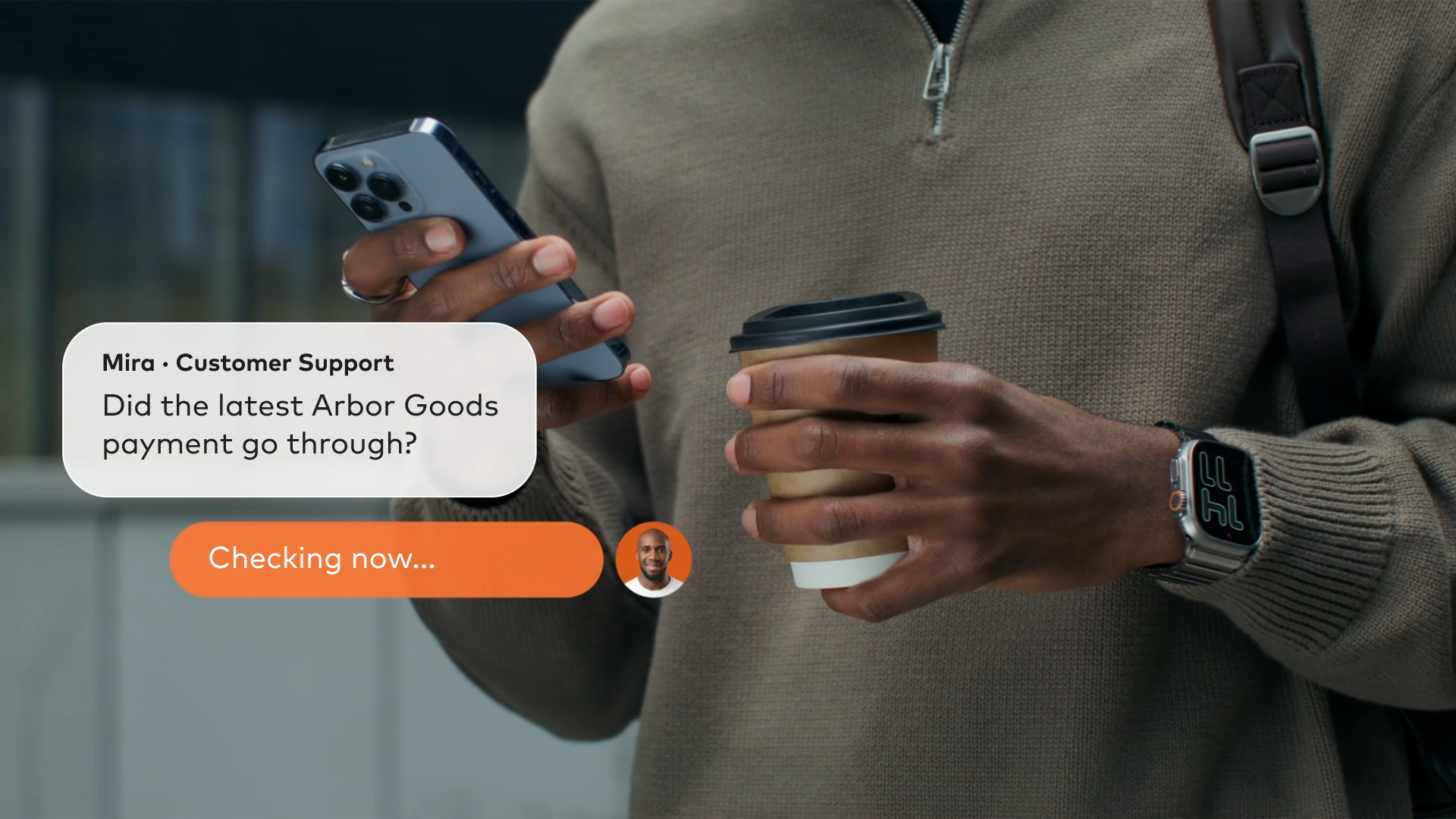
Finance, operations and engineering teams increasingly live inside AI assistants day to day – drafting reports, answering supplier queries and coordinating workflows. Yet checking whether a payment has settled or confirming a wallet balance still means stopping what you’re doing, opening a new window and hunting down transaction IDs.
That’s why we’ve launched a read-only BVNK MCP (Model Context Protocol) connection for the Merchant Portal. Built on Mastercard Global Money Platform, BVNK MCP lets you query your account balances and transaction history directly from your preferred AI tool, including Claude, ChatGPT or popular MCP-compatible assistants.
An easier way to stay on top of payments
Model Context Protocol (MCP) is an open standard that allows AI assistants to securely connect to external data sources and tools. Instead of building a standalone chatbot or asking you to use a new interface, BVNK MCP lets you query your balances and payments statuses from where you’re already working.
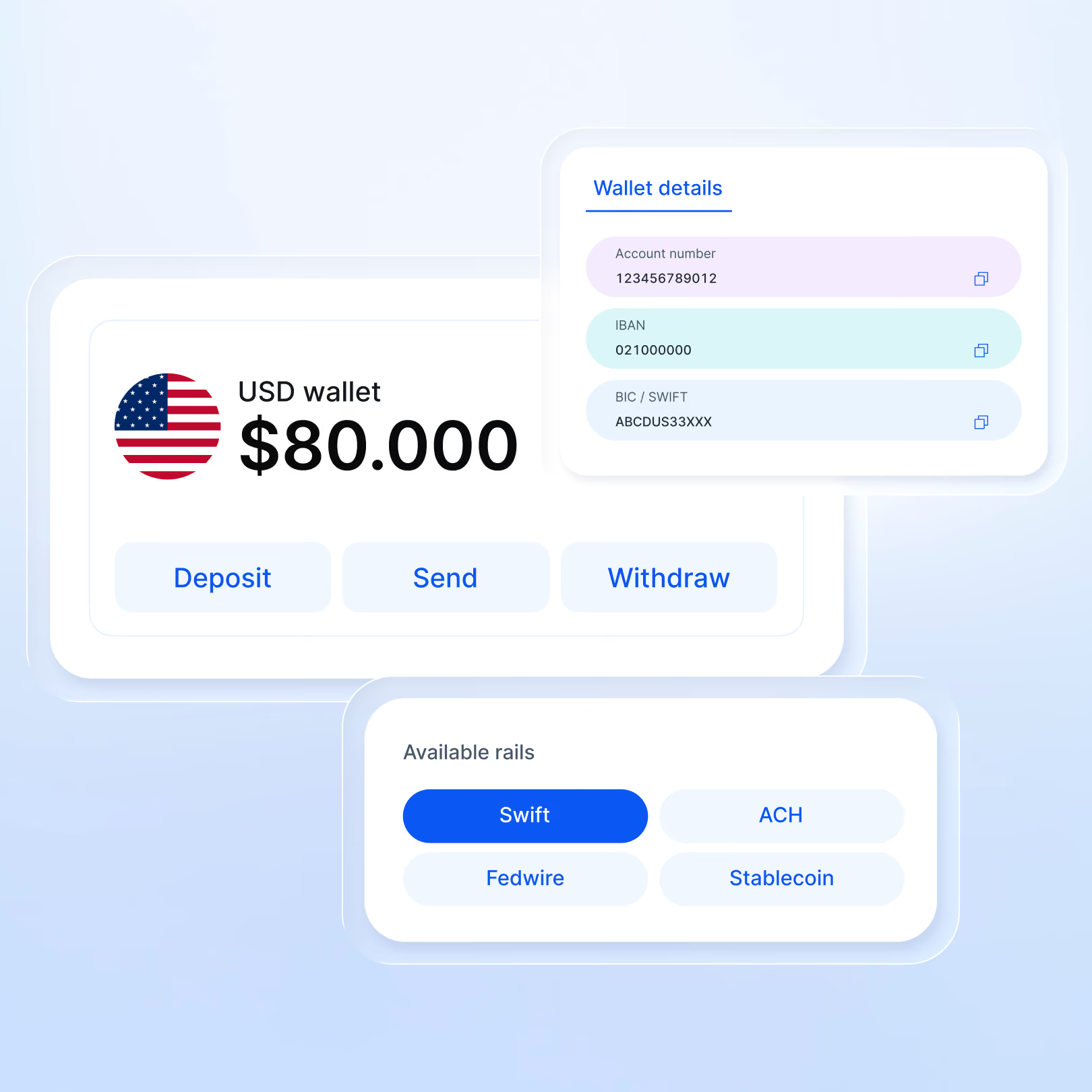
Whether you’re at your desk or on the move, you can ask your assistant "What’s my current USDC balance?" or "Has the latest supplier payment gone through?" and get an immediate, accurate answer sourced directly from your BVNK account.
With BVNK MCP, your AI assistant can retrieve balances and transaction history, but cannot initiate payouts, move funds or modify account settings.
Access is governed by your existing permissions
BVNK MCP uses the same roles and permissions as the BVNK Merchant Portal. If your user role can view a balance in the portal, your agent can retrieve it via MCP. If not, the request is denied.
BVNK acts as an MCP interface, not an AI provider. Your prompts stay with your chosen AI provider (such as Anthropic or OpenAI), while only the specific tool call, such as fetching a wallet balance, reaches BVNK’s systems.
How it works
- Add the BVNK MCP URL: Paste the BVNK MCP connection URL into your AI tool of choice using our setup documentation.
- Authorise your session: Your AI tool opens a browser window to sign in via OAuth using your existing BVNK credentials. Just like the Merchant Portal, sessions remain active for up to 8 hours before requiring re-authentication.
- Query your account: Ask natural-language questions about balances or recent transactions and receive real-time answers pulled straight from BVNK.
Your financial data, where you already work
Staying on top of payments shouldn't mean switching tabs every time a teammate, supplier or customer asks for a status update. With BVNK MCP, your payment data meets you inside the AI tools you already rely on, backed by the security and permissions of your existing BVNK account.
BVNK MCP is available for eligible customers and regions. Reach out to your account manager or check our setup documentation to find out more.















































Never miss an insight.